Join Meeting Call Notifications - FaceTime, Google Meet, Zoom and Microsoft Teams
What Is Join Meeting Calls?
Join meeting Calls is a smarter, faster way to handle online meetings directly from your notch.
Whenever you have an event with a meeting link Google Meet, Zoom, Microsoft Teams, or FaceTime DynamicLake can instantly turn it into a fully managed call session.
No more searching for the right browser tab, guessing which window has the call, or manually opening the meeting link.
DynamicLake takes care of everything for you
How It Works
1. DynamicLake detects your meeting automatically
Once an event in your calendar contains a valid meeting link, DynamicLake knows it's a call.
2. When the meeting starts or when you tap the event DynamicLake opens the call for you
The correct service (Meet, Zoom, Teams, or FaceTime) launches instantly without you doing anything.
3. DynamicLake switches into Call Mode
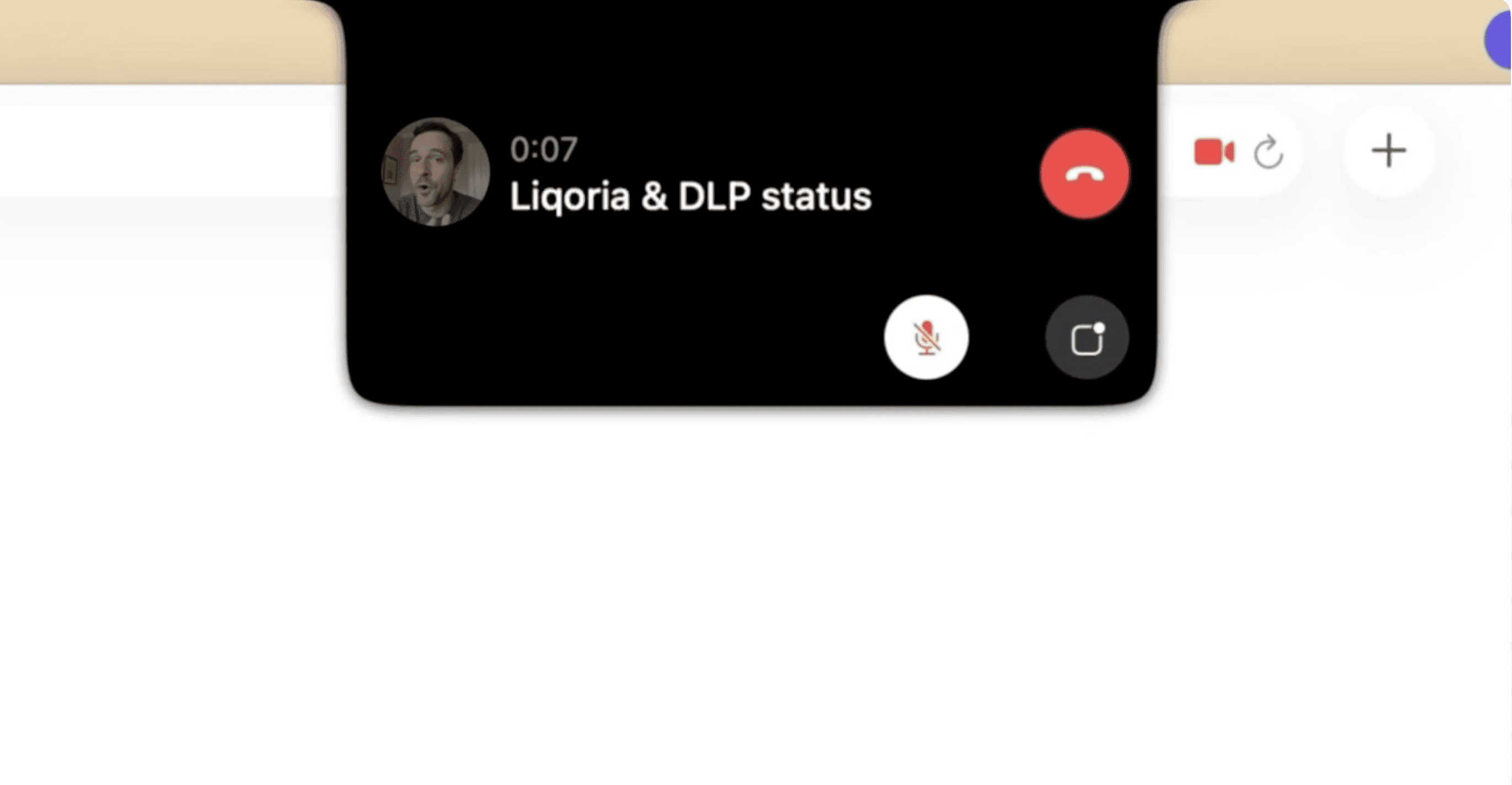
This gives you a clean, unified interface with:
A dedicated call UI
A live mirror to see yourself through your camera
Service icon (Google Meet / Zoom / Teams / FaceTime)
Call timer
Microphone mute / unmute
Quick access to the meeting window
A consistent Liquid Glass design across all call services
4. You stay in control
Even though the call itself runs in your browser, DynamicLake tracks the session and gives you real-time activity so you can monitor it from anywhere.
Why This Is Useful
You can manage your entire call without needing to be inside the browser or find a specific tab.
Most actions mute, timer, mirror, open window can be done directly from your Dynamic Island.
Everything feels faster, cleaner, and unified.
Unified Experience Across All Services
No matter where your meeting is hosted:
Google Meet
Zoom
Microsoft Teams
FaceTime
DynamicLake gives you the same smooth, consistent experience every time.
What’s Coming Next
This is only the first version of Join meeting Calls.
More powerful features are already in development and you’ll see them soon